
Download More Disk Space – Free Disk‑Cleaner, Secure Junk Removal Tool
Overview – What Is More Disk Space?
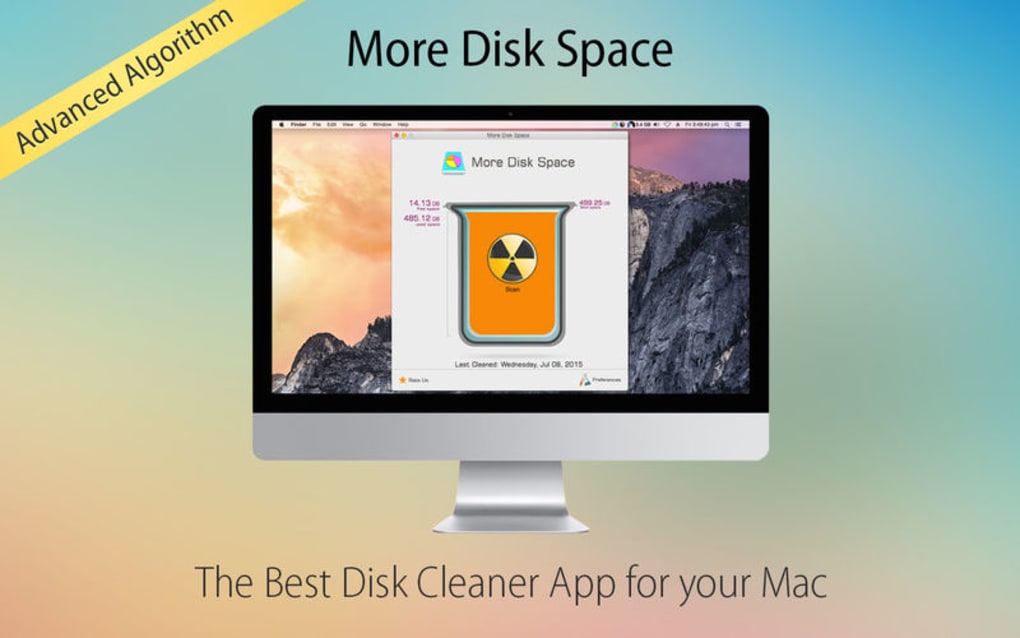
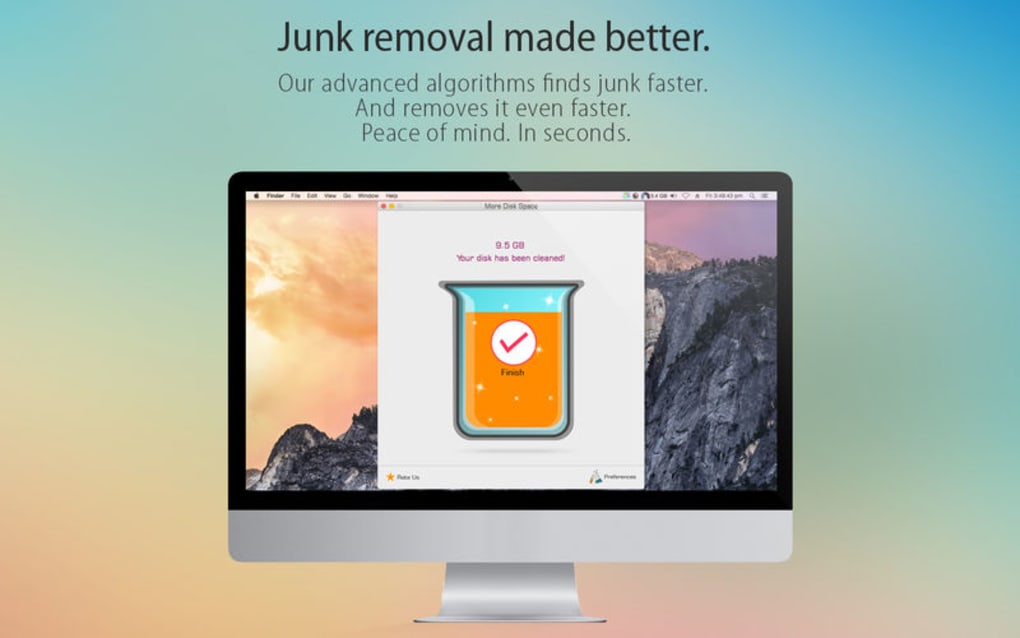
More Disk Space is a lightweight, free utility designed to free up valuable storage on Windows‑based PCs in a matter of seconds. By scanning the hard drive for temporary files, leftover installers, browser caches, duplicate images and other hidden junk, the program instantly identifies data that is unnecessarily consuming space. The tool’s core advantage lies in its speed; it leverages a fast‑scan engine that completes a full system sweep in under a minute, even on machines with several hundred gigabytes of data. Once the scan is finished, users receive a clear, itemized report that shows exactly how much space can be reclaimed and which file types are responsible for the bloat. Beyond the basic clean‑up, More Disk Space includes a smart scheduler that remembers your tolerance threshold. You can set a maximum “junk level” and the app will automatically run in the background, notifying you when the amount of disposable data exceeds your limit. This proactive approach helps keep your computer lean without requiring daily manual intervention.
In today’s data‑driven world, storage can fill up quickly due to software updates, media downloads, and routine browsing. More Disk Space tackles the problem at its source, offering a secure, one‑click solution that doesn’t require deep technical knowledge. The software is built with privacy in mind; it never uploads your files to external servers, and all cleaning actions are performed locally on your machine. Whether you are a student juggling project files, a gamer with large game libraries, or a professional who needs a reliable workstation, More Disk Space provides a fast, hassle‑free way to reclaim lost gigabytes and improve overall system performance.
Key Features & Built‑In Scheduler
- Rapid Scan Engine: Completes a full‑disk analysis in under 60 seconds, even on drives larger than 1 TB.
- Comprehensive Junk Detection: Identifies temporary Windows files, browser caches, leftover installer packages, duplicate media, log files, and unused system restore points.
- One‑Click Cleanup: Provides a single “Clean Now” button that safely deletes selected junk without affecting personal documents.
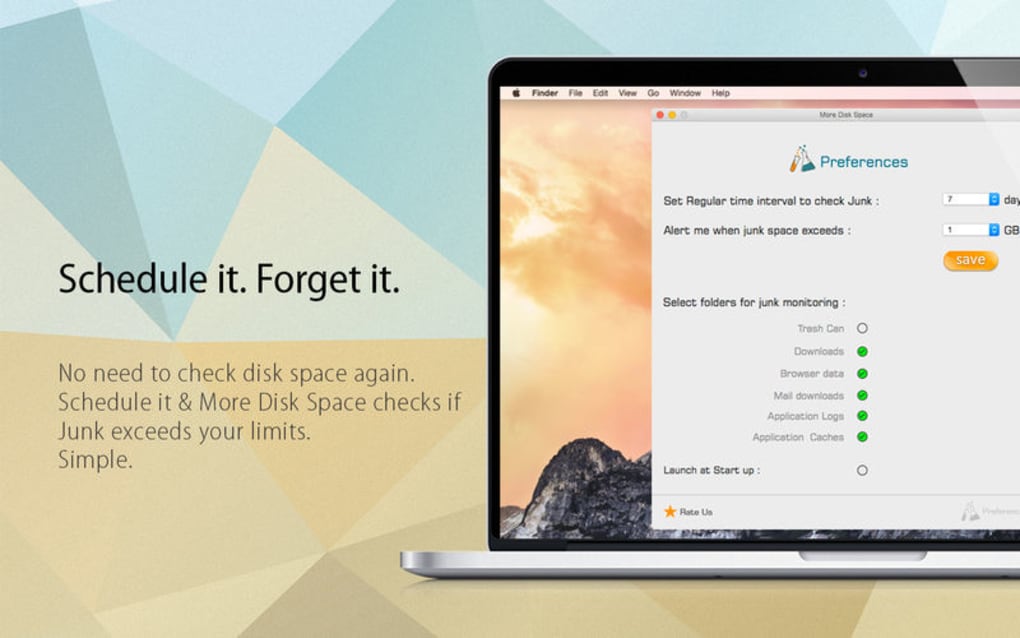
- Customizable Scheduler: Set daily, weekly, or monthly scans and define a tolerance threshold for junk accumulation.
- Real‑Time Notifications: Alerts you when the amount of removable data exceeds the limit you’ve set, prompting a quick cleanup.
- Safe‑Mode Operation: Runs in a low‑resource mode to avoid impacting other applications during scanning.
- Detailed Reporting: Generates a visual breakdown of space usage by file type and provides exportable logs for audit purposes.
- Secure Deletion: Uses Windows API to securely erase files, reducing the chance of data recovery by unwanted parties.
- Lightweight Installer: The setup file is under 10 MB, making download and installation quick even on slower connections.
- Free Updates: Automatic background updates ensure you always have the latest scanning algorithms and security patches.
The feature set of More Disk Space is intentionally focused on the most common sources of disk bloat, which means the interface remains uncluttered and intuitive. Users can expand the detailed view to see exactly which folders contain the most waste, and they have the option to exclude certain directories from future scans—ideal for developers who keep large build folders that they do not want automatically cleaned. The built‑in scheduler is a standout component; once configured, the application quietly monitors your system and only surfaces when intervention is truly needed, preserving both CPU cycles and user attention.
From a security perspective, the tool respects the principle of least privilege. It does not request administrator rights unless a deep system clean is required (for example, removing old Windows update files). In such cases, a simple UAC prompt appears, ensuring that users remain in control of any elevated actions. The combination of speed, thoroughness, and intelligent scheduling makes More Disk Space a compelling addition to any PC maintenance toolkit.
Installation, Setup & Compatibility
Getting More Disk Space up and running is a straightforward process that can be completed in just a few minutes. Below is a step‑by‑step guide that covers download, installation, initial configuration, and ongoing usage.
- Download the Installer: Visit the official website and click the Download for Windows button. The installer is a 9.8 MB executable, optimized for fast download even on modest broadband connections.
- Run the Setup File: Double‑click the downloaded
MoreDiskSpaceSetup.exe. The installer will prompt you to accept the End‑User License Agreement (EULA) and choose an installation folder (the default location isC:\Program Files\MoreDiskSpace). - Select Installation Options: You can opt to create a desktop shortcut, enable automatic updates, and decide whether the program should start with Windows. For most users, the default selections provide the best balance of convenience and performance.
- Complete Installation: Click Install. The process typically finishes within 30 seconds. Once completed, you’ll see a confirmation screen with a Launch More Disk Space button.
- Initial Scan: Upon first launch, the application performs a quick “quick‑scan” to demonstrate its capabilities. You can immediately proceed to a full scan by clicking the Full Scan button.
- Configure the Scheduler: Navigate to the Settings → Scheduler tab. Choose the frequency (daily, weekly, monthly), set the time of day for the scan, and define your junk‑tolerance threshold (e.g., 500 MB). Save the settings to activate automatic monitoring.
- Review Results & Clean: After each scan, the results pane displays a breakdown of recoverable space. Select the items you wish to delete (or use the Select All option) and click Clean Now. A progress bar shows the deletion status, and a final summary confirms the amount of space reclaimed.
Supported Operating Systems: More Disk Space is built for Windows 10, Windows 11, and Windows 8.1 (both 32‑bit and 64‑bit editions). While a macOS version is planned for future releases, the current Windows‑only focus ensures deep integration with the OS’s file‑system APIs, delivering optimal performance and reliability.
The program requires a minimum of 2 GB RAM and 100 MB of free disk space for installation. No additional dependencies such as .NET Framework or Visual C++ Redistributables are needed, because the installer bundles all required libraries. For users concerned about system resources, the application runs in a low‑priority background mode during scheduled scans, meaning it won’t interfere with your primary tasks.
Pros, Cons & Frequently Asked Questions
Pros
- Extremely fast scanning—full system analysis in under a minute.
- Intuitive, single‑click cleanup that’s safe for non‑technical users.
- Smart scheduler with customizable junk‑tolerance thresholds.
- Lightweight installer and low runtime memory footprint.
- Secure deletion methods protect privacy and prevent data recovery.
- Free updates and no hidden fees or adware.
Cons
- Currently limited to Windows; no native macOS, Linux, or mobile versions.
- Advanced users may miss deeper cleaning options (e.g., registry cleaners) found in premium suites.
- Scheduler notifications rely on Windows toast alerts, which some users may have disabled.
Frequently Asked Questions
Is More Disk Space safe to use on a primary work computer?
Yes. The application only targets clearly identified junk files such as temporary caches, old installers, and duplicate media. It never touches user documents, photos, or program files unless you explicitly select them during the cleanup step.
Do I need an internet connection after the initial download?
No. Once installed, More Disk Space works entirely offline. An internet connection is only required for optional automatic updates, which you can disable in the settings.
Can I schedule scans for a specific time when I’m not using the PC?
Absolutely. The scheduler lets you pick any hour of the day and set the frequency (daily, weekly, or monthly). The program runs in low‑priority mode, so it won’t slow down other processes.
Will the tool remove duplicate files automatically?
More Disk Space identifies duplicate files and lists them in the scan results. You can review the duplicates and decide which copies to delete, ensuring you keep the version you need.
Is there any way to recover files if I delete something by accident?
The software moves deleted items to the Windows Recycle Bin by default, so you can restore them if needed. If you enable the “Secure Deletion” option, files are overwritten and cannot be recovered, so use that setting only for truly unwanted data.
Expert Review Summary
Overall Rating: 4.5/5
More Disk Space delivers a fast, secure, and user‑friendly experience for anyone looking to reclaim storage on a Windows PC. Its scheduler and real‑time alerts set it apart from generic cleaners, while the clean UI ensures even novices can navigate the tool with confidence. The lack of macOS support and deeper system‑tuning features keep it from being a premium all‑in‑one suite, but for its price (free) it offers excellent value.
Pros: Speed, safety, scheduler, lightweight footprint
Cons: Windows‑only, limited advanced options
Conclusion – Should You Download More Disk Space?
If you’ve been battling low‑disk warnings, sluggish file transfers, or simply want to keep your Windows PC humming efficiently, More Disk Space is a solid, free solution worth trying. Its rapid scan engine and one‑click cleanup remove the most common sources of bloat without risking your personal data. The added scheduler means you can set it and forget it, receiving notifications only when the junk level surpasses your defined threshold. For students, professionals, and casual users alike, the tool offers a pragmatic balance between power and simplicity.
Because the installer is tiny, the download process is quick, and the program respects privacy by performing all cleaning locally, you can feel confident that you’re not installing hidden adware or sending your files to the cloud. While macOS users will need to wait for a future version, Windows users can immediately benefit from a cleaner drive, faster boot times, and more free space for the files that truly matter.
Ready to reclaim those lost gigabytes? Click here to download More Disk Space for free and start cleaning your PC today. Remember to schedule regular scans and set a junk‑tolerance level that matches your workflow—your future self will thank you when the “Low Disk Space” warning finally disappears.







